
How to install PhotoCraft ArtCraft
Installing PhotoCraft takes about two minutes on any system. On a Mac you drag one app into Applications. On Windows you run a standard MSI or unzip a portable build. On Linux you can choose an AppImage, a Flatpak or a native deb or rpm package. Because ArtCraft open source code is public, you can also compile PhotoCraft yourself with a recent Rust toolchain. The steps below cover each route and the warnings you may see the first time you open it.
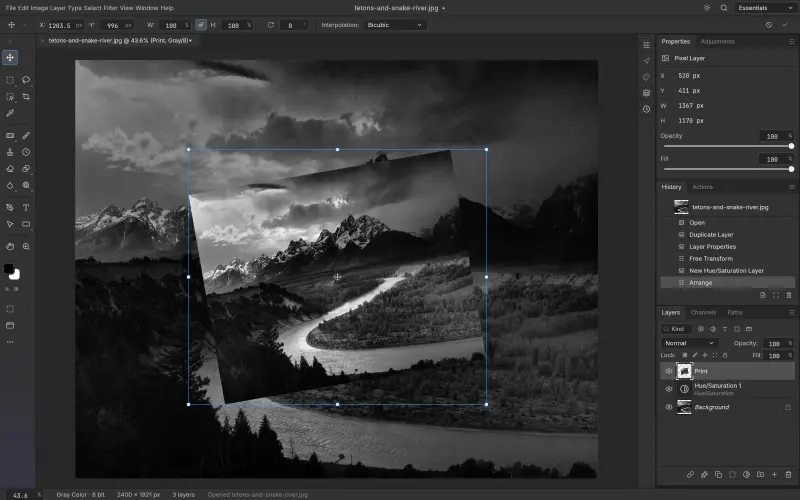
- 1Download the Universal disk image (.dmg). It runs natively on Apple silicon and Intel Macs.
- 2Open the .dmg and drag PhotoCraft into your Applications folder.
- 3Launch it from Applications or Spotlight. If macOS asks about an app downloaded from the internet, click Open.
- 4Optional: unzip the command-line tool and put photocraft-cli on your PATH for headless batch edits.
If something looks wrong
- Drag and drop on Wayland
- Not supported yet. Use File, Open, paste from the clipboard, or run under XWayland.
- Blank or slow canvas
- Update your graphics drivers so Metal, Vulkan or DirectX 12 is available to wgpu.
- Verify a download
- Compare shasum -a 256 (macOS, Linux) or Get-FileHash (Windows) against SHA256SUMS.txt.
- Staying current
- Alpha builds ship often. The ArtCraft Launcher updates PhotoCraft for you.
Download PhotoCraft ArtCraft
Choose your platform. Every button links straight to the official PhotoCraft releases on GitHub, so you always get the original, unmodified build.
Disk image (Universal)
Apple silicon and Intel Macs.
Download for macOSphotocraft-0.7.0-macos-universal.dmg
Or use the ArtCraft Launcher
One small app (v0.2.0) that installs PhotoCraft and the other Crafting Apps, then keeps them updated.
Other systems
FreeBSD 14 (x86_64)Plain binaries. Unpack into /usr/local.photocraft-0.7.0-freebsd-x86_64.tar.gzWeb buildThe WebAssembly app, to host yourself.photocraft-web-0.7.0.zipSHA-256 checksumsVerify any file above.Build from source
Requires Rust 1.90 or newer. Install it with rustup.rs
git clone https://github.com/storytold/photocraft
cd photocraft
cargo run --release -p photocraft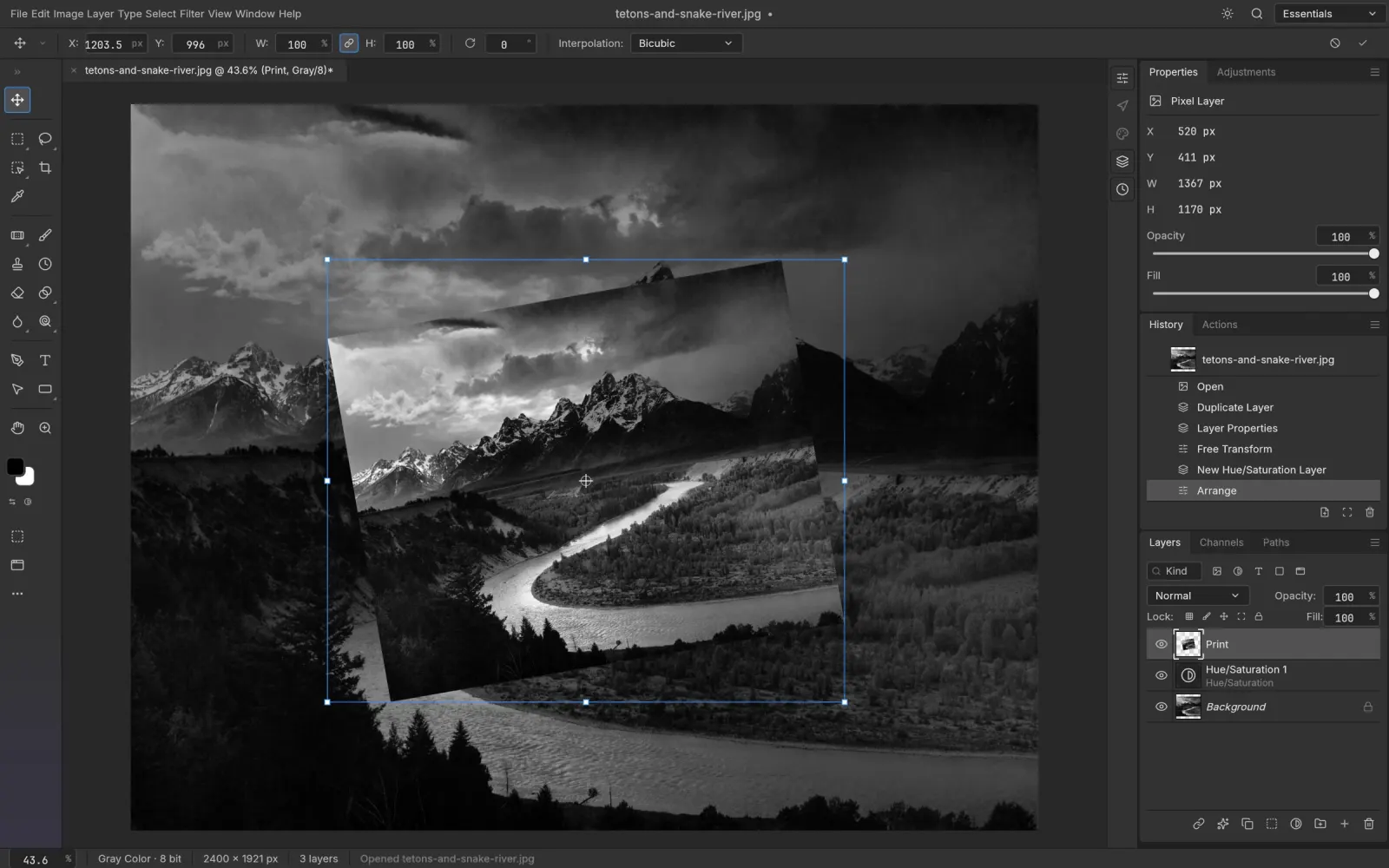
Open your first PSD in PhotoCraft
Free, open source and installed in about two minutes.
Download PhotoCraft