PhotoCraft vs Photoshop, compared honestly
PhotoCraft ArtCraft was designed to feel like Photoshop, so the obvious question is how close it gets. The short answer: close enough for everyday layered editing and PSD work, not yet close enough to replace a professional Photoshop setup. Below we compare price, licensing, platforms, file support, editing features, AI and automation side by side, then share what it is actually like to use.
| Feature | PhotoCraft | Adobe Photoshop |
|---|---|---|
| Price | Free, forever | From US$22.99 a month on an annual plan |
| License | Open source, MIT or Apache-2.0 | Proprietary, Adobe account required |
| Platforms | macOS, Windows, Linux, FreeBSD and the web | macOS, Windows, iPad and the web |
| Offline use | Fully offline, no sign-in | Works offline with periodic license check-ins |
| PSD and PSB | Read and write, 307 of 309 test files match | Native format |
| Layers and masks | Groups, clipping masks, smart objects, 27 blend modes | The industry reference |
| Adjustments and filters | 16 adjustment layers, 70+ live filters | Complete set, refined over decades |
| Color | 8, 16, 32-bit with ICC and soft proofing | 8, 16, 32-bit with ICC and soft proofing |
| Generative AI | Not yet, on-device selection only | Generative Fill and Expand with Firefly credits |
| Automation | CLI, JSON channel and MCP server | Actions, UXP and ExtendScript |
| Plug-ins | Photoshop plug-ins are not supported | Large third-party ecosystem |
| Maturity | Early alpha with frequent releases | Industry standard since 1990 |
PhotoCraft fits if you
- want Photoshop habits without a subscription
- work on Linux or FreeBSD, where Photoshop does not run
- open and adjust PSD files now and then
- want to script edits or connect an AI agent
Photoshop still fits if you
- edit images professionally every day
- depend on Generative Fill or other Firefly tools
- rely on third-party plug-ins
- need output that matches Photoshop pixel for pixel
Photoshop price is Adobe's US list price for the single-app annual plan in October 2026. PhotoCraft figures come from the project's documentation.
What it is like to use
A summary of what early testers and reviewers report after real editing sessions with the alpha builds.
PhotoCraft is the most convincing free take on the Photoshop experience so far. Hobbyists, students, Linux users and anyone who only needs Photoshop occasionally should install it today. Professionals can treat it as a promising second tool for now.
- First launch
- It opens fast and stays responsive, even on a low-power laptop with integrated graphics. No account, no upsell screen, no cloud prompt.
- Instantly familiar
- Tool placement, menus and shortcuts follow Photoshop more closely than any other look-alike. Most people find their way within minutes.
- PSD round-trips
- Layered files open with groups, masks, type and styles intact, then save back for colleagues who stay on Photoshop.
- Where the alpha shows
- It looks closer than it behaves. Some filters render differently from Adobe's, and memory can reach about 5 GB on large PSDs.
What works
- Free and open source, no subscription or account
- Photoshop-style interface with almost no relearning
- Reads and writes layered PSD and PSB
- Fast GPU rendering on modest hardware
What to expect
- Early alpha, so bugs and missing features
- Complex edits can differ from Photoshop
- No generative fill and no Photoshop plug-ins
- High memory use on very large documents
Sources: the PhotoCraft README and docs, getartcraft.com, and hands-on coverage by OMG! Ubuntu, October 2026.
See it in action
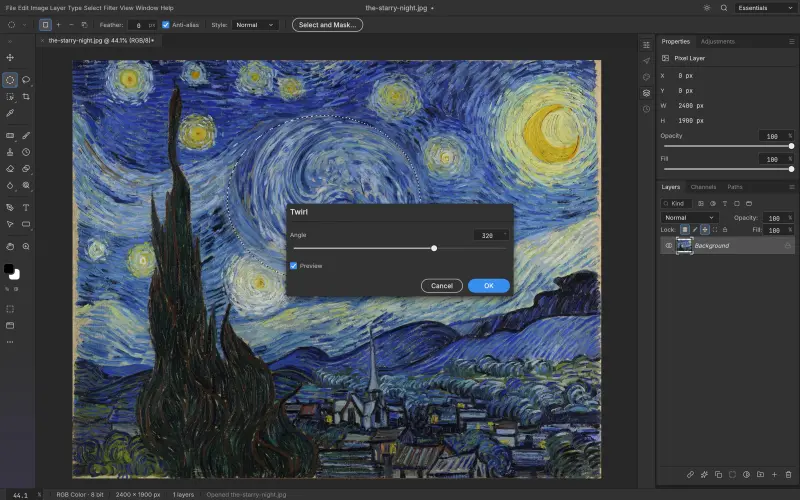
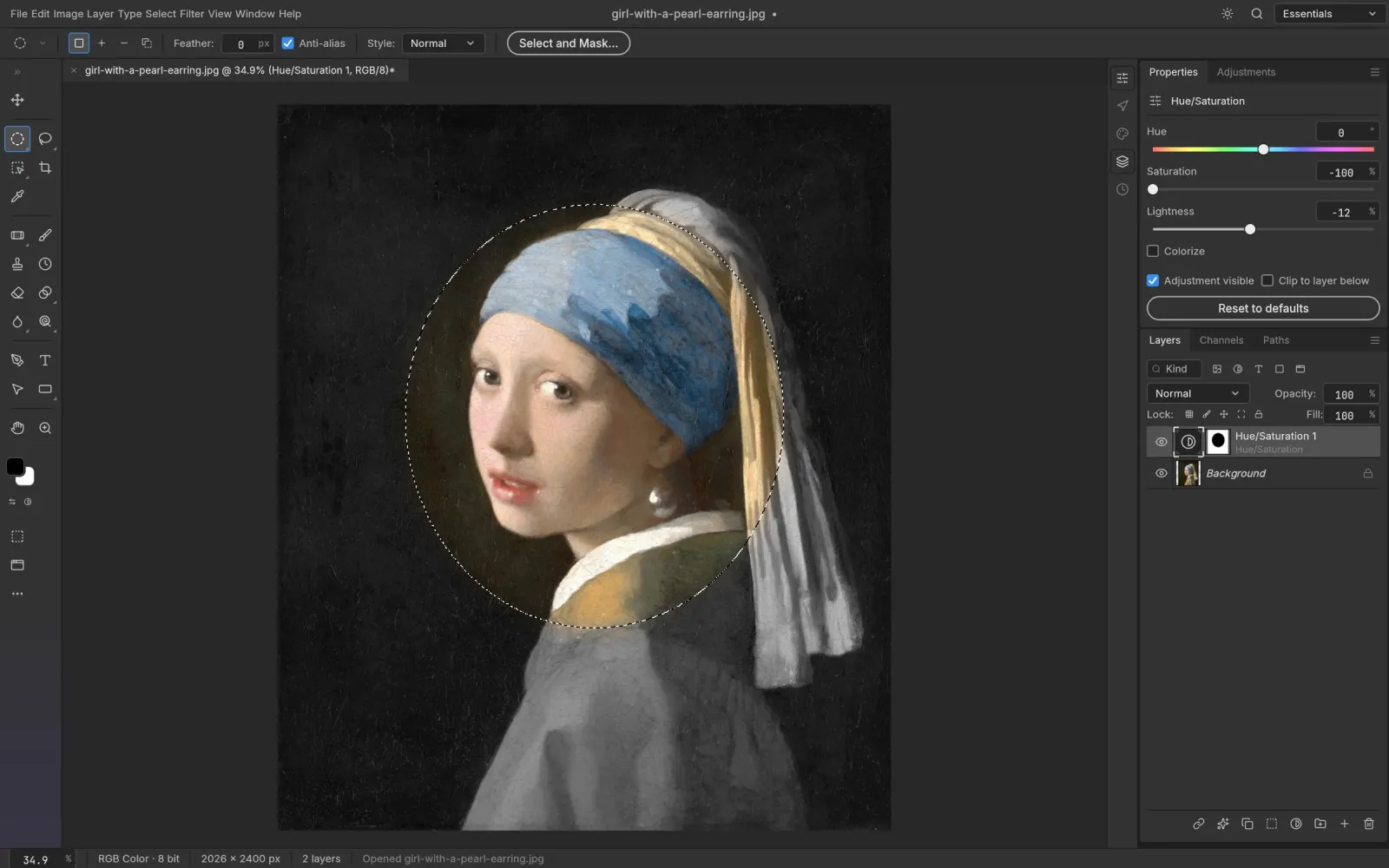
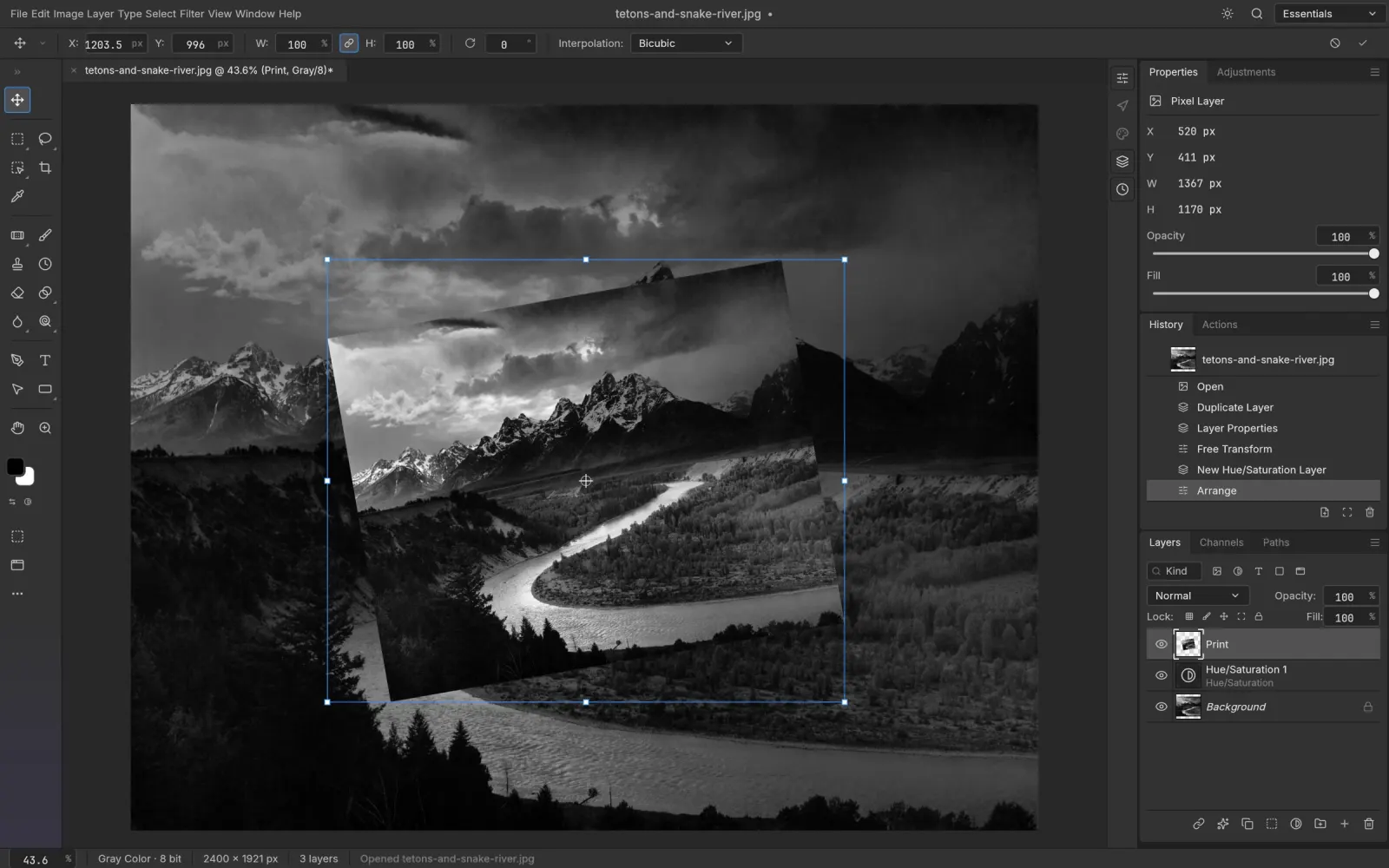
Every frame was captured in PhotoCraft itself, editing public-domain artwork. Pick one to look at adjustments, styles, masks, filters, type and vectors up close.
Open your first PSD in PhotoCraft
Free, open source and installed in about two minutes.
Download PhotoCraft