
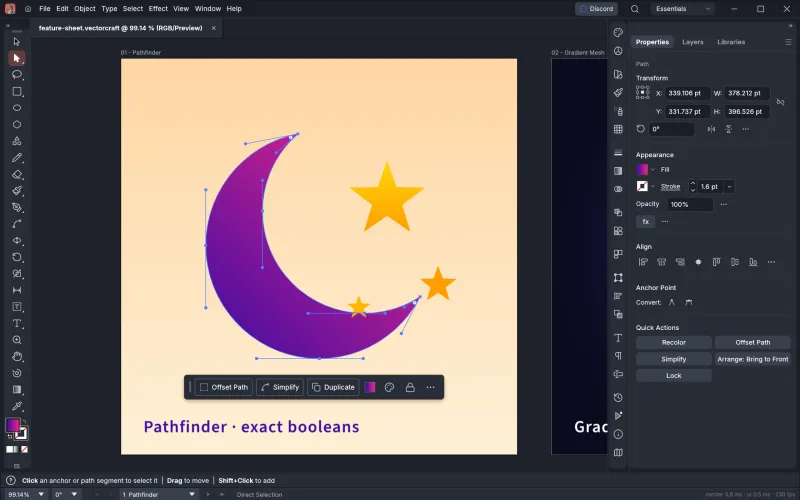
Pen and Direct Selection
Real Bézier anchors and handles, Smart Guides and a contextual task bar that offers the next likely action.
This is the full VectorCraft app compiled to WebAssembly, the same version as the desktop download. Click Launch to start it. There is no account or install, and drawing happens entirely on your own computer.
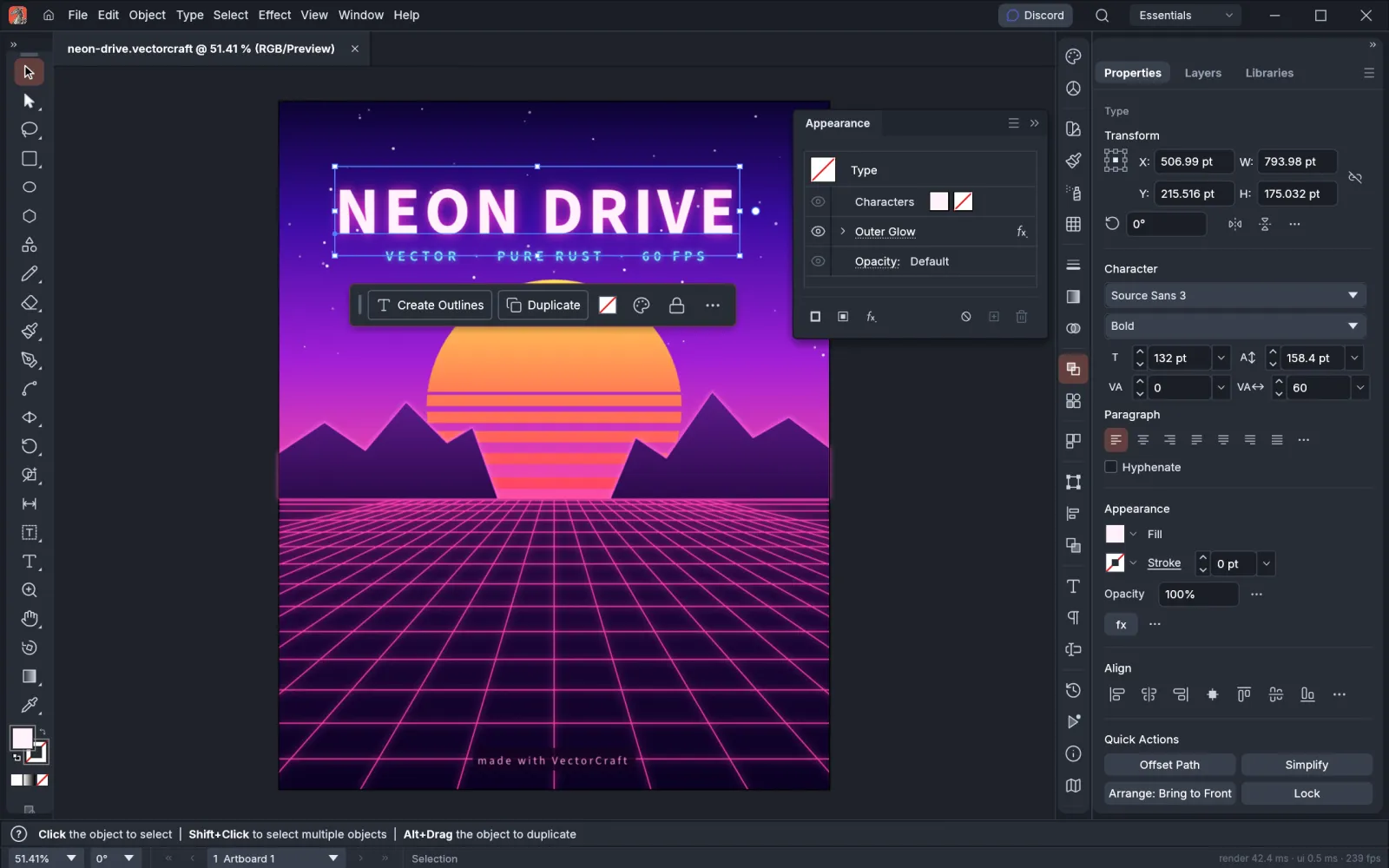
About 24 MB the first time, then cached by your browser.
Official open-source web build, hosted by this site. Not affiliated with ArtCraft.
It is the real desktop app, compiled to WebAssembly. Here is what that means for you.
Yes. It is free and open source, with no sign-up, no watermark and no limits on what you can export.
No. The app runs locally in your browser. Files you open are read from your disk, and saving downloads them back to your computer.
Some graphics drivers have trouble with WebGPU. Use the compatibility mode link under the app, which forces WebGL2. Make sure your browser is up to date, and try Chrome or Edge if the problem continues.
The drawing features are the same. The desktop app starts faster, handles large files better, works fully offline and includes the MCP server for AI agents and the command-line tool.
It can load on recent tablets, but the interface is designed for a mouse or trackpad and keyboard. For real work, use a desktop or laptop browser.
The current web build has a known font bug (VectorCraft issue #2689): it ships only Japanese fonts for its menus, so many Simplified Chinese, Traditional Chinese and Korean characters show as empty boxes. Until the ArtCraft team fixes it, we start the online version in English for Chinese and Korean browsers. You can still choose Chinese under Preferences, and the desktop apps display Chinese correctly with your system fonts.
Same layout, same tool names, same shortcuts. If you have used Illustrator, you can start drawing in VectorCraft straight away.
Real Bézier anchors and handles, Smart Guides and a contextual task bar that offers the next likely action.
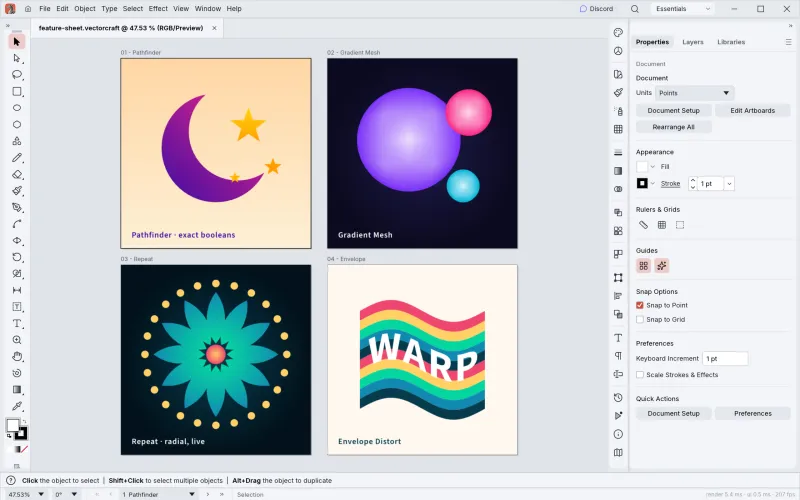
Exact curve booleans, so no more "cannot perform operation". Plus Gradient Mesh, live radial Repeat and Envelope Distort.
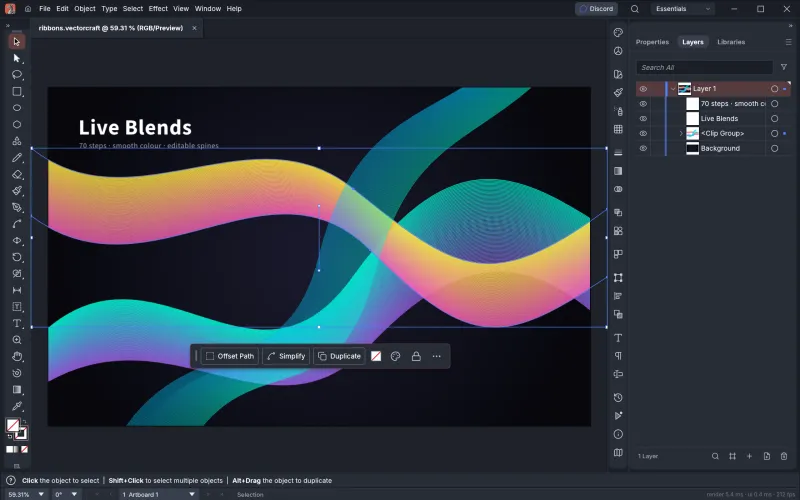
Editable blend paths with smooth colour, every object as a row in Layers, and stacked fills, strokes and effects.
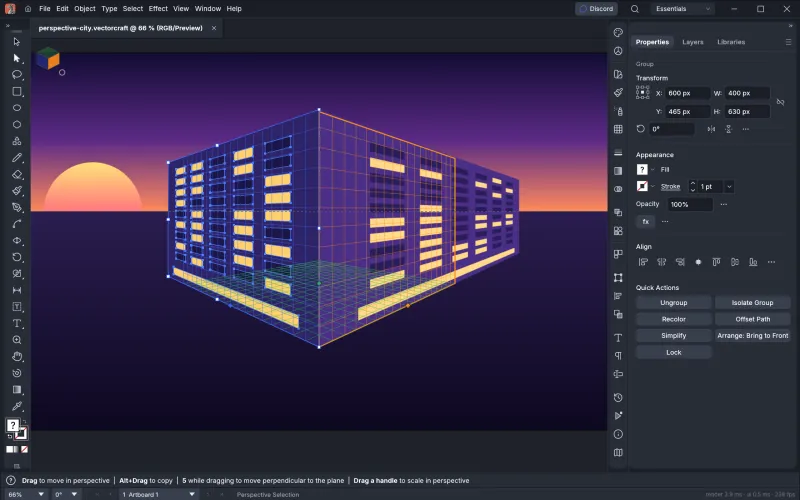
Attach art to the grid's planes and it stays editable in perspective, ready for packaging and city scenes.
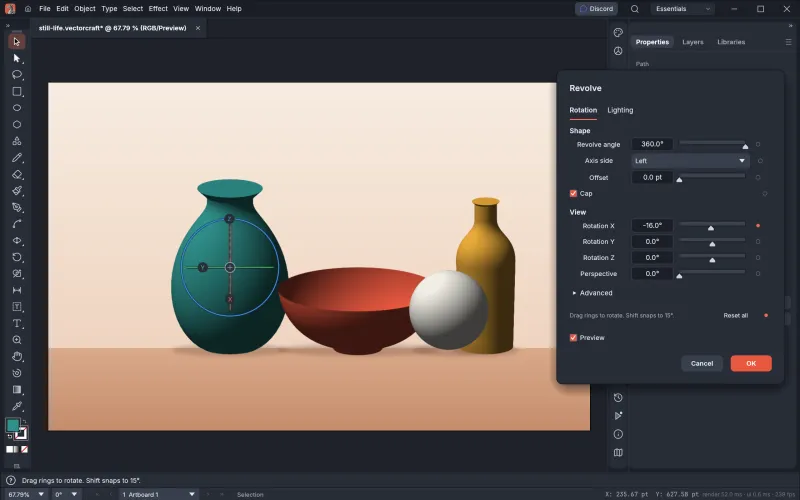
Spin a profile into a 3D object with smooth vector shading, caps and an on-canvas rotation gizmo.
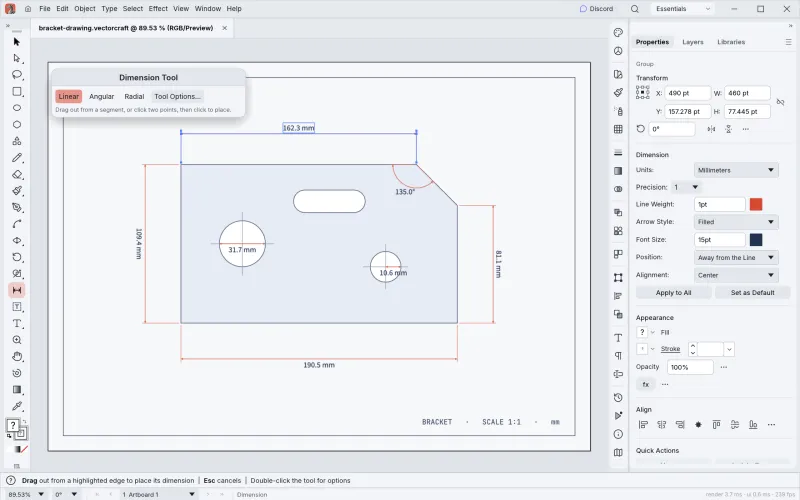
Lengths, angles and radii that follow the artwork they measure, for technical drawings and product sheets.